Introduction
If you use Microsoft services at work, you may soon notice a change when you sign in.
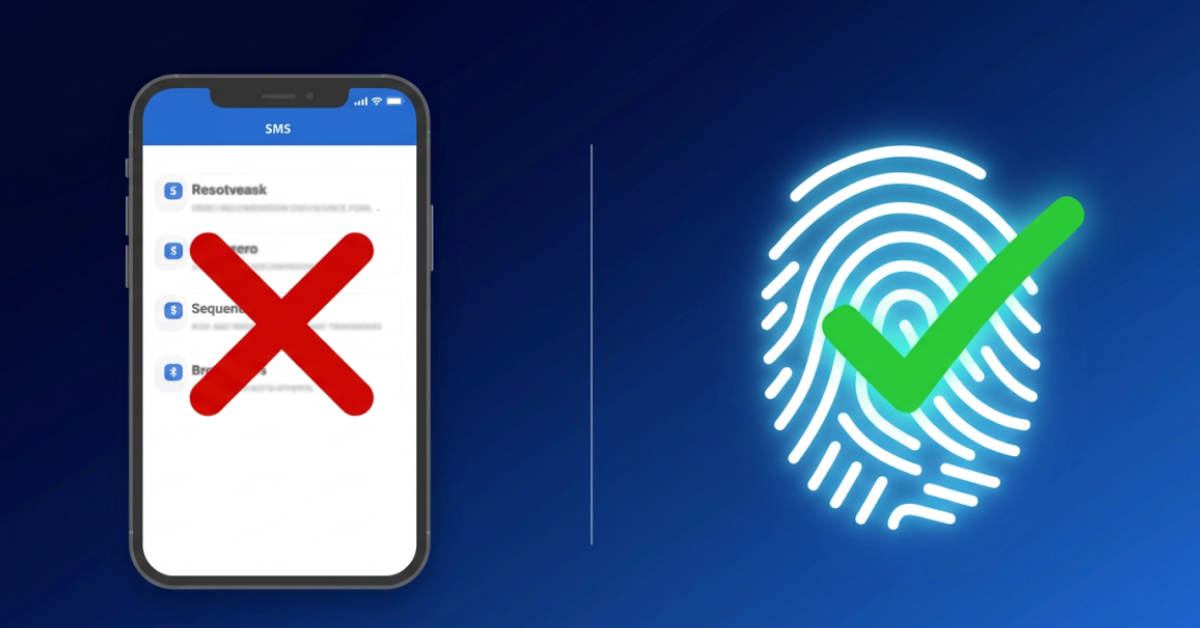
Microsoft has announced that it is retiring its built-in SMS (more commonly known as text messages) and voice call authentication methods for Microsoft Entra ID, its identity and access management platform used by organizations around the world.
Instead, Microsoft is encouraging their users to switch to passkeys and other phishing-resistant sign-in methods.
At first, this might sound like just another technology update. In reality, it reflects a much larger shift happening across the technology industry. Whether you use Microsoft, Google, Apple, or countless other online services, the future of logging in is changing.
Why Is This Happening?
Companies everywhere are moving away from text-message authentication because criminals have become much better at exploiting it.
For years, receiving a text message with a one-time verification code has been one of the most common forms of multi-factor authentication (MFA). It was certainly better than using only a password!
Unfortunately, cybercriminals have found ways around SMS authentication. They create fake login pages that trick people into entering their verification codes, convince mobile carriers to transfer phone numbers through SIM-swapping scams, or use social engineering to intercept those codes. AI-powered phishing attacks are only making these scams more convincing.
That doesn’t mean SMS-based MFA is useless; for example, it’s still far better than relying on a password alone. The problem is that newer authentication methods provide much stronger protection against today’s threats, and we need to adapt accordingly.
What Is a Passkey?
A passkey is a newer way to sign in without typing a password or waiting for a text message. Instead, you verify your identity using something that you already use every day.
That includes:
- Your fingerprint
- Face recognition
- Your phone’s screen lock
- A physical security key
Unlike passwords or text-message codes, threat actors can’t simply copy passkeys and enter it into a fake website. They only work with the legitimate website or app they were created for, therefore making phishing attacks much less effective.
That is one of the biggest reasons technology companies are embracing passkeys!
This Isn’t Just About Microsoft
Microsoft’s announcement is one example of a much broader trend.
Technology companies, banks, healthcare providers, and other organizations are gradually adopting stronger authentication methods to better protect their users. Many websites already give you the option to sign in with a passkey, and that number continues to grow.
As these technologies become more common, don’t be surprised if more of your favorite apps and websites begin asking you to create a passkey instead of relying on text-message codes.
What Should You Do?
If your organization asks you to register a passkey, don’t just ignore the request. Taking a few minutes to set one up today can make your account much more resistant to phishing attacks tomorrow!
Even for your personal accounts, it’s worth checking whether you can add passkeys. If you can, then consider enabling them, especially for important accounts like your email, banking apps, and cloud storage.
The stronger your authentication defenses, the harder it becomes for criminals to gain access to your accounts.
Conclusion
Microsoft’s decision to retire built-in SMS and voice authentication isn’t just another software update. It’s a sign of where online security is headed.
Text-message verification has protected millions of people over the years, but cybercriminals have adapted. Passkeys represent the next step in making online accounts both easier to access for you and much harder to compromise for everyone else.
The next time a website asks you to create a passkey, it’s not just adding another security feature. It’s preparing you for the future of safer online authentication.