Introduction
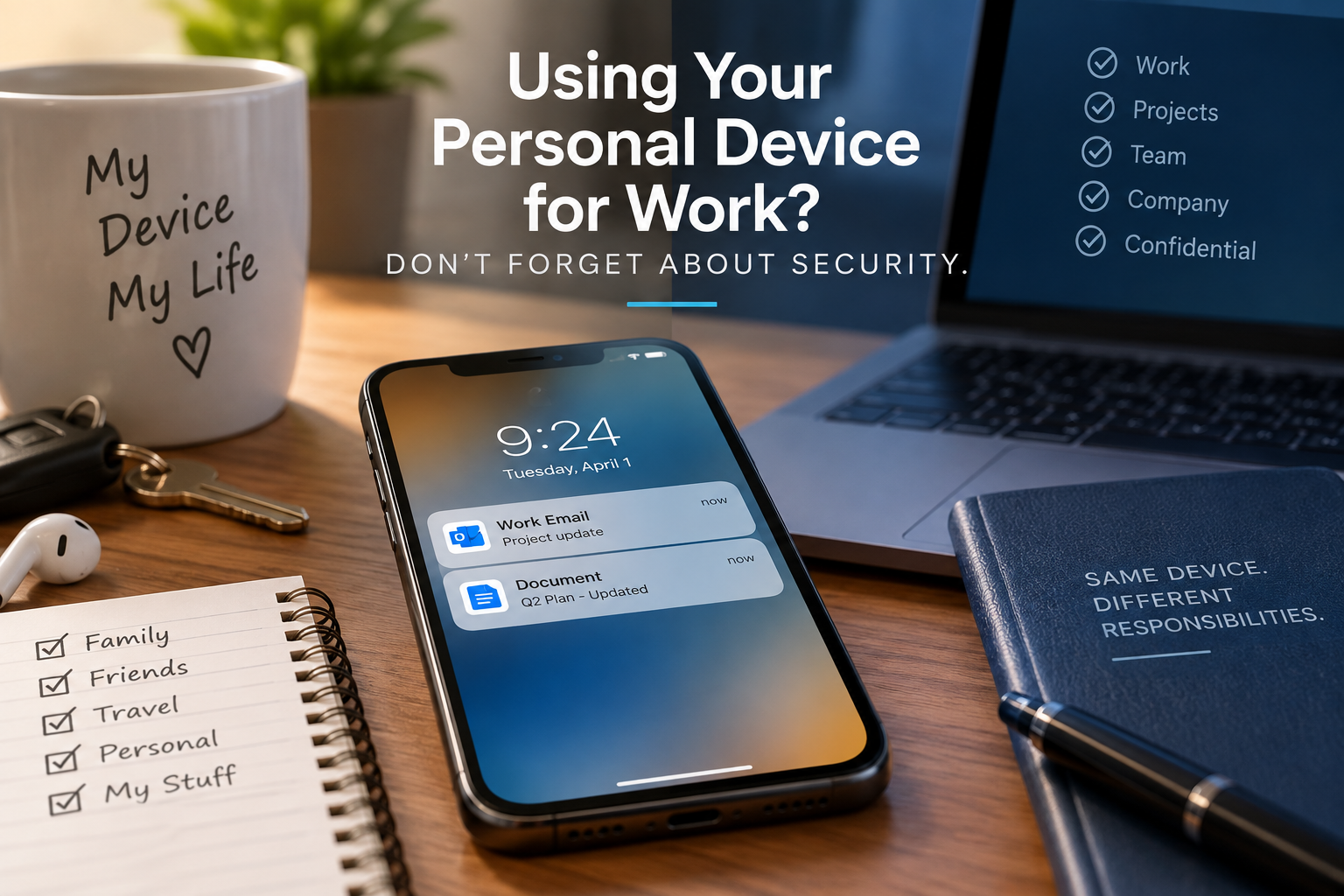
What happens if you’ve stepped away from your computer when an important work email comes through?
No problem. You pull out your personal phone, open the attachment, make a quick change, and send it back.
It feels harmless. After all, using your phone helps you get your work done faster, and makes it easier to connect with the person who sent the original email.
The problem is that the moment you access company information from a personal device, that device becomes a part of your workplace’s overall cybersecurity.
Your phone might belong to you, but the information you’re accessing doesn’t.
When Work Data Ends Up in Unexpected Places
When you open a work document on your personal device, the information does not necessarily stay inside your work account.
For instance, you might download an attachment that gets saved to your phone. Downloading a document could automatically sync it to your personal cloud storage. Even screenshots may get backed up to a personal photo account.
Suddenly, a company document that was originally protected by workplace security tools now exists somewhere completely different. Meanwhile, you may not even realize another copy was created on your phone.
This is just one reason you should always use company-approved apps and devices whenever possible.
Your Personal Device May Not Have the Same Level of Protection
Your work computer probably has security tools running in the background that you rarely notice. Many organizations manage employees’ software updates, scan downloads for malware, block dangerous websites, or detect suspicious activity.
Your personal laptop or phone may not have those same protections, however.
If you have been postponing updates for months, downloading questionable apps, or sharing the device with other people, then accessing work information from it can create additional risks.
Remember, a device does not become secure simply because you opened your work email on it.
Mixing Accounts Can Get Messy
It’s surprisingly easy to send something through the wrong account. Maybe you download a work document and accidentally attach it to a personal email later. Perhaps your browser automatically signs you into your personal cloud storage instead of your work account.
You could even copy company information into a personal notes app because you need it temporarily and then forget about it entirely.
None of these actions require a hacker. Sometimes, cybersecurity problems happen because sensitive information simply ends up somewhere it shouldn’t.
What If You Lose the Device?
Phones and laptops disappear all the time.
If your personal device contains work email, downloaded documents, or saved login sessions, whoever finds it could potentially gain access to more than your personal information.
Always protect your devices with a strong PIN, password, fingerprint, or facial recognition. Many organizations enable features that allow them to locate or remotely erase a lost device when available, so you should report lost devices ASAP.
If a device containing work information disappears, report it to your organization immediately. Don’t wait a few days hoping it turns up fine!
Keep Work and Personal Information Separate
The safest option is to follow your organization’s rules about personal devices. If you can use you own smart phone on the network, then a few habits can help keep all your data safe.
- Use only approved applications to access work information.
- Keep your phone and computer updated.
- Never share a device while a work account is logged in.
- Avoid downloading work files unless you actually need to.
- Keep work information out of personal cloud storage and apps.
- Report lost or stolen devices immediately.
If you’re unsure whether you can use a personal device for a particular task, take the time to ask before doing it.
Conclusion
Using your phone to answer one email, or your home computer to finish a document, might not feel like a cybersecurity decision. Sometimes it has far-reaching consequences for your data privacy anyway.
Once company information reaches a personal device, you are responsible for helping keep that information secure.
Your device may be personal, but not all of the information on it may not be. Keep your devices updated, separate personal and work information whenever possible, and follow your organization’s rules about where work data belongs.