Introduction
What do you do when you need to download a program to protect your passwords?
You probably search for the software online, find the download page, and install it.
After all, you’re trying to make your computer more secure, not less!
Unfortunately, cybercriminals know that people trust familiar security products. They’re taking advantage of that trust by creating fake download pages that look like legitimate software.
In one recent campaign, attackers even disguised their malware as a popular password-management tool.
Fake LastPass Download Hiding Real Malware
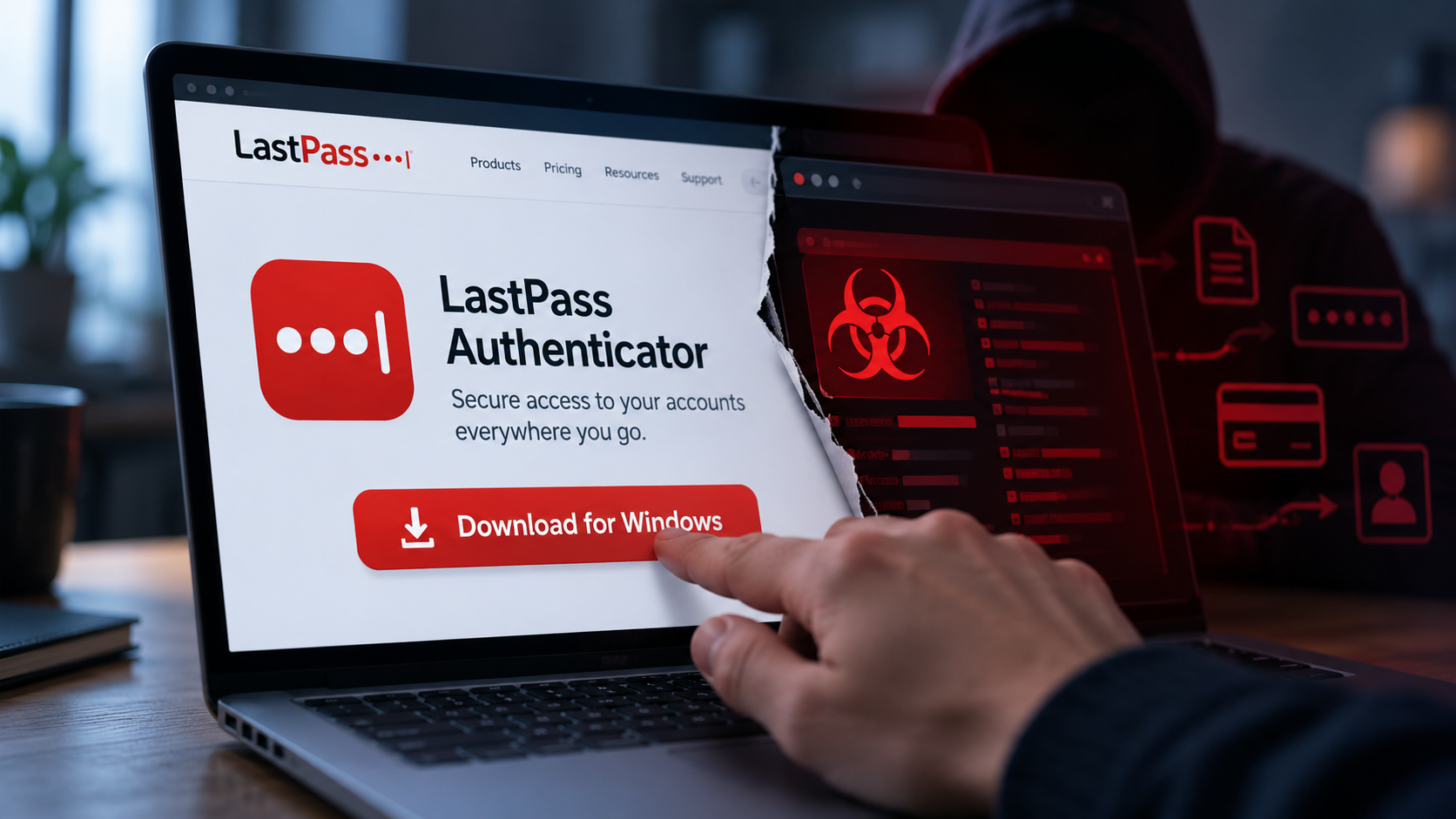
In September 2026, researchers uncovered a malware campaign involving a fake version of LastPass Authenticator, which is a legitimate application used to help people securely access their accounts.
The attackers created a fraudulent GitHub page offering what appeared to be the official software. They also manipulated search visibility so that the fake download could appear among the top results when someone looked for the legitimate application via search engine.
Unfortunately, downloading the program didn’t install the security tool that people expected. Instead, the malicious installer attempted to disable security protections before installing an information-stealing program called Rapuncel (no, that’s not a typo).
Investigators found that the larger campaign impersonated at least 40 organizations and included malicious components designed to interfere with 145 security products.
The attackers didn’t compromise LastPass itself, just used the program as a “mask” to trick users into installing dangerous software.
How Malware Tries to Disable Protection First
Some malicious installers, including the one involved in the LastPass impersonation attacks, don’t try to steal information immediately. They also include a component designed to interfere with security software running on that device.
Why?
Antivirus and endpoint protection tools can detect and stop malicious activity. If an attacker can disable those defenses first, then their malware has a much better chance of operating for a longer time without getting noticed. The longer it runs, the more data it can harvest.
In the fake LastPass campaign, the program included a malicious driver that terminated security-related processes. Once the attackers weakened those protections, the information-stealing malware could start collecting sensitive data. Affected information can include credentials, browser information, and any other valuable information stored on that device.
How Can You Recognize a Fake Download?
Unfortunately, a familiar company name doesn’t guarantee that you’re downloading legitimate software. Attackers can spoof logos, create convincing descriptions, and publish files on websites that appear trustworthy. Even GitHub, a legitimate platform widely used by software developers, can host malicious files uploaded by criminals.
Before downloading anything, ask yourself:
- Am I on the developer’s actual website?
- Did I reach this page through an unfamiliar advertisement or search result?
- Does the download match what the company officially provides?
- Is the installer asking me to disable security protections?
A legitimate security tool shouldn’t require you to blindly disable your existing protections just to install it. If a website or application seems unusual, stop and verify the download through the company’s official website instead.
Conclusion
Sometimes, threat actors disguise malware as the very software that you use to protect yourself. The fake LastPass campaign is a reminder that even security-related downloads deserve a second look.
Take a few extra seconds to verify the website, avoid unfamiliar installers, and never disable security protections simply because a download tells you to.
Remember, security software is supposed to protect your data. Make sure you’re installing the real deal!