Introduction
What do you do when you forget your password?
Maybe it’s no big deal. You click Forgot Password, receive a code, create a new password, and quickly get back inside your account.
Have you ever stopped to think about how you get that recovery code?
Maybe it’s sent to your current phone…but maybe it’s going to an email address you created 12 years ago. Perhaps it’s connected to a number you haven’t used since you got your last phone.
We spend a lot of time protecting passwords, but your account recovery information can be just as important. After all, if someone can use it to reset your password, they may not need to know your credentials in the first place.
Account Recovery Is Your Backup Key
Most major online accounts give you some other way to prove your identity if you get locked out. That might include a recovery email address, phone number, backup codes, security questions, or another trusted device.
These features are extremely useful. Unfortunately, they can also create problems when we set them up and then completely forget about them.
Think of your recovery method as the spare key to your house. You probably wouldn’t protect your front-door key and then leave the spare sitting out on the sidewalk. Your online accounts deserve the same consideration!
Old Email Addresses Can Become a Problem
Maybe you created your primary email account years ago and connected your old college, work, or personal email address as the recovery option.
Do you still have access to it?
More importantly, is it still secure?
If an old email account has a weak or reused password, someone who compromises it may be able to use password-reset features to target other accounts connected to that same address. Your main account could have an incredibly strong password and multi-factor authentication, but the forgotten recovery account might not.
Sometimes the weakest part of an account isn’t the front door, but the backup entrance you forgot existed.
Your Old Phone Number Matters Too
Phone numbers don’t necessarily belong to us forever. People change carriers, move, get new numbers, or give up old ones. Eventually, a phone company may assign an unused number to somebody else.
That becomes a problem if the old number is still connected to your accounts!
Imagine requesting a password-reset code only to discover it’s being sent to a phone number you haven’t had in three years. Now imagine somebody else has that number.
This doesn’t automatically mean they can access your account, but it’s certainly not information you want going to a stranger.
Whenever your phone number changes, you need to remember to update your important accounts too.
Don’t Forget About Security Questions
Remember questions like:
- What was your first car?
- What is your mother’s maiden name?
- What was the name of your first pet?
Security questions used to be everywhere, and some websites still use them as part of the recovery process. Unfortunately, those answers may not be particularly secret. Social media profiles, public records, old posts, and casual conversations can reveal surprising amounts of personal information about ourselves, and that information can lead threat actors to correctly guess their way into your accounts.
If a profile still relies on security questions, treat those answers like your passwords. Don’t choose information that somebody could easily discover by scrolling through your social media profile.
Take Five Minutes and Check
You don’t need to inspect every account you’ve created since you first went online. Start with the most important ones.
Check your primary email account, banking and financial accounts, social media, cloud storage, and any account containing sensitive personal or work information. Look at the recovery email address and phone number associated with each one. As yourself:
- Do you still control them?
- Are they protected?
- Is there anything you don’t recognize?
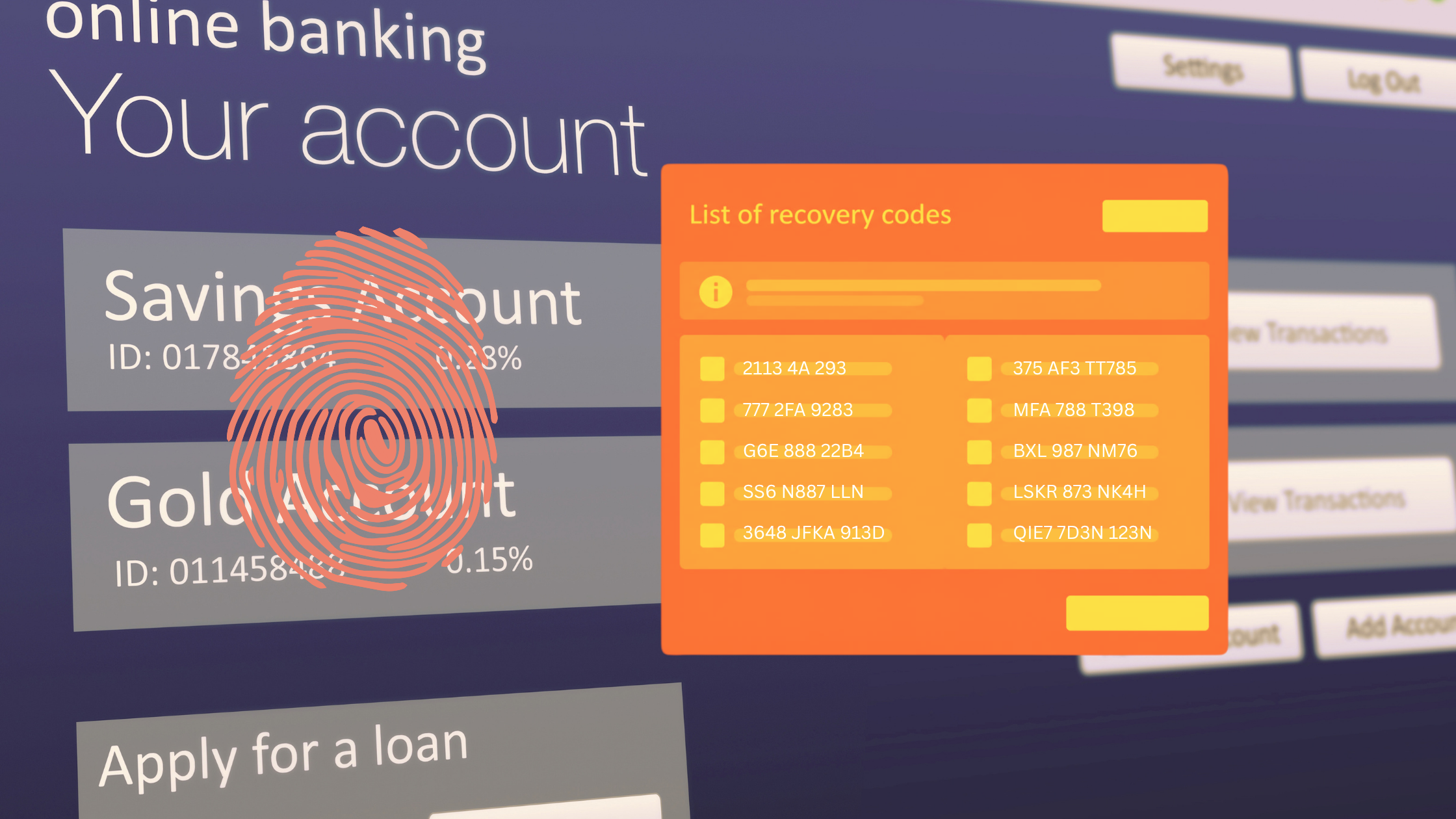
While you’re there, make sure to enable multi-factor authentication and save any backup recovery codes somewhere secure.
For work accounts, follow your organization’s recovery procedures rather than adding personal recovery methods that haven’t been approved.
Conclusion
A strong password protects the normal way into your account. Your recovery information protects what happens when that password doesn’t work. Both deserve your full attention.
Take a few minutes today to check where your password-reset emails and security codes would actually go. You don’t want to discover your recovery information is outdated when you’re locked out of an account.
Even worse, you don’t want someone else discovering it first.